Think. Record. Engage.
One video can start a whole conversation.
WeMotions turns short videos into real conversations. Post your take, reply with video, and follow the thread as it branches.

Or scan to download

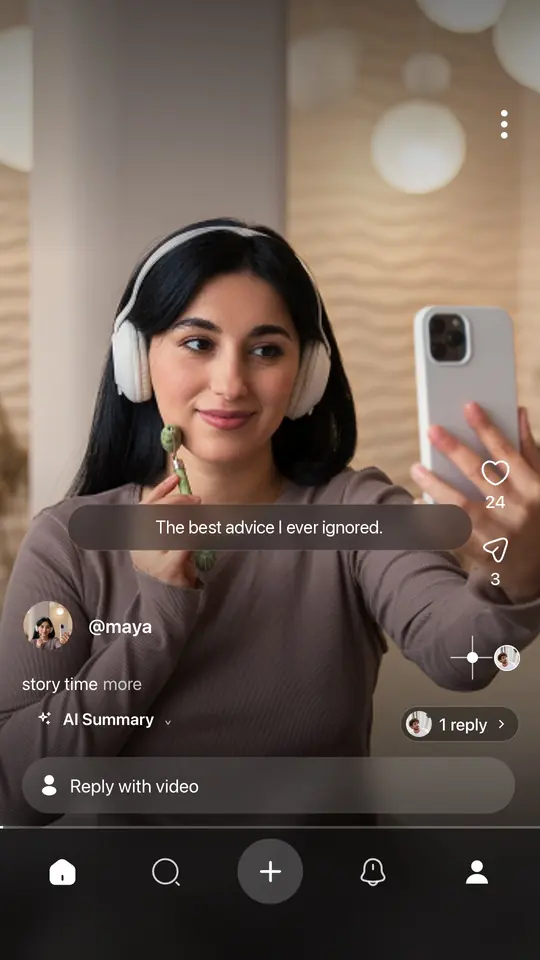
The best advice I ever ignored.
@maya2 replies ›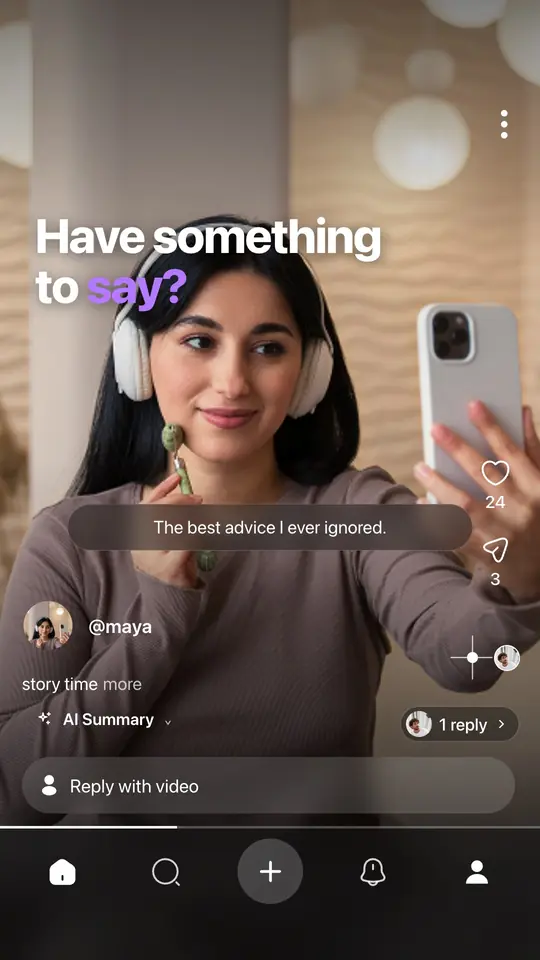

 Replying to @devonOkay but hear me out —
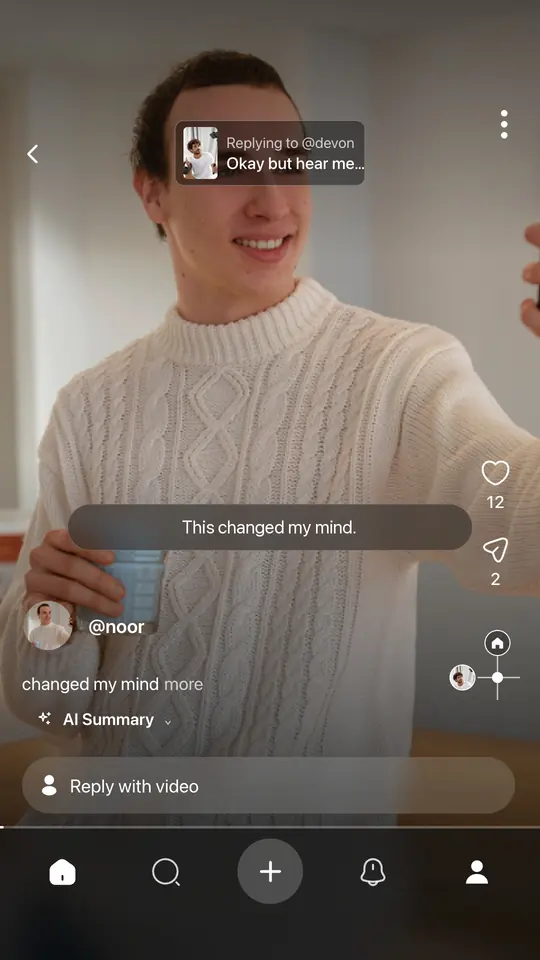
This changed my mind.
@noor- Swipe up: Next video
- Swipe left: Replies
- Swipe right: Back
How it works
See how conversations grow.
Every reply is a video, and every video can be replied to. Here’s a real thread from the app.
Getting around
Conversations don’t have to end in a comment section.
Three swipes are all it takes to follow one.
Swipe up
Next video
Move on to the next conversation in your feed.
Swipe left
See the replies
Watch how people answered, one video reply at a time.
Swipe right
Go back
Return to the video they were replying to.
Replies can have replies too, so a conversation can keep going as deep as people take it. We call it the 4D Feed.
In the app
Everything is built around the reply.
Video replies
Every video has a reply button. Your answer is pinned to the video it answers, so it becomes part of the conversation, not one more line in a comment list.
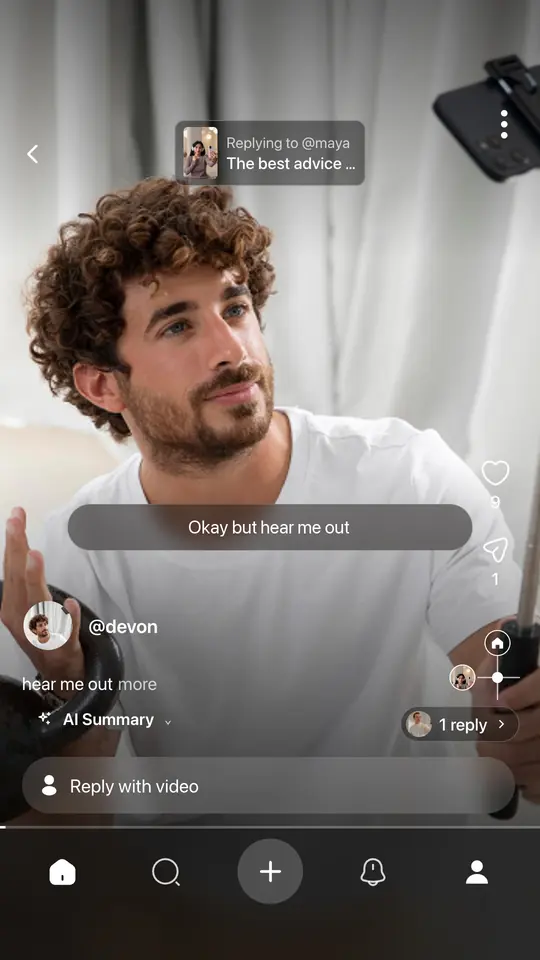
Always know where you are
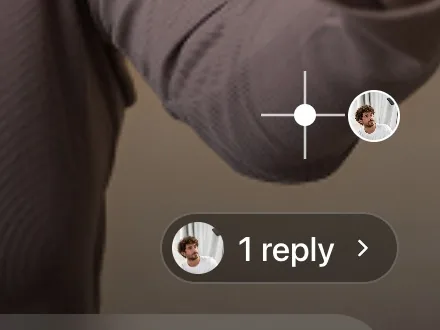
The map in the corner shows your place in the thread and how many replies are waiting.
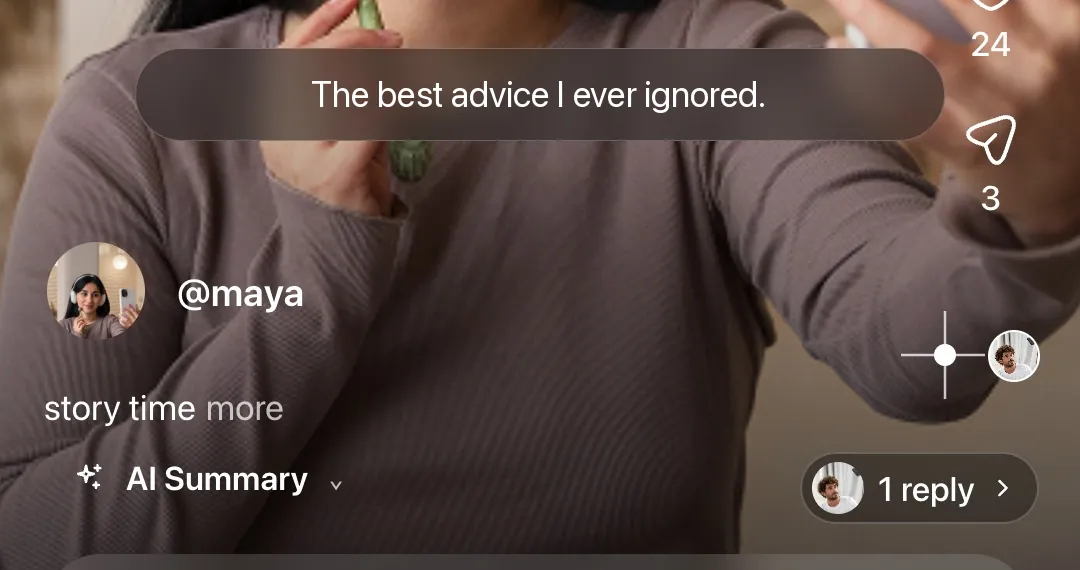
Captions and AI Summary
Follow along with the sound off, or get the gist of a video before you watch the whole thing.
Discover
Pick the topics you care about, then find people and conversations worth joining.

Why WeMotions
Make social media social again.
Most platforms turn a conversation into a scoreboard. WeMotions is built around people answering each other directly, in video.
Read the manifesto- Instead of Typed commentsVideo replies
- Instead of Like countsReal reactions
- Instead of Arguing with strangersTalking with people
- Instead of Threads that fizzle outConversations that keep going

Have something to say?
Think. Record. Engage.
Or scan with your phone’s camera
Free on iPhone and Android.